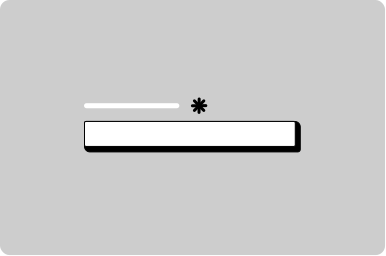
File uploader
Help users select and upload a file.
Props
accept
string
Accepted file types as a comma-separated list of MIME types or file extensions (e.g., "image/*,.pdf").
maxFileSize
string
Maximum file size with unit (e.g., "5MB", "100KB", "1GB"). Files exceeding this will be rejected.
Defaults to
5MB.
testId
string
Sets a data-testid attribute for automated testing.
variant
GoabFileUploadInputVariant
The input display variant. "dragdrop" shows a drag-and-drop area, "button" shows a simple button.
Defaults to
dragdrop.
Events
onSelectFile
(detail: GoabFileUploadInputOnSelectFileDetail) => void
Callback fired when a valid file is selected or dropped.
File Upload Card Props
error
string
Error message to display. When set, the card shows an error state with a cancel button.
filename
string
The name of the uploaded file to display.
progress
number
Upload progress percentage from 0-100. Use -1 to indicate upload is complete.
Defaults to
-1.
size
number
The file size in bytes. Displayed in a human-readable format (KB, MB).
testId
string
Sets a data-testid attribute for automated testing.
type
string
The MIME type of the file. Used to determine the file type icon.
File Upload Card Events
onCancel
(detail: GoabFileUploadOnCancelDetail) => void
Callback fired when the user clicks the cancel button during file upload.
onDelete
(detail: GoabFileUploadOnDeleteDetail) => void
Callback fired when the user clicks the remove button on an uploaded file.
Other
Do
Use file upload input with file upload card for complete file upload experiences.